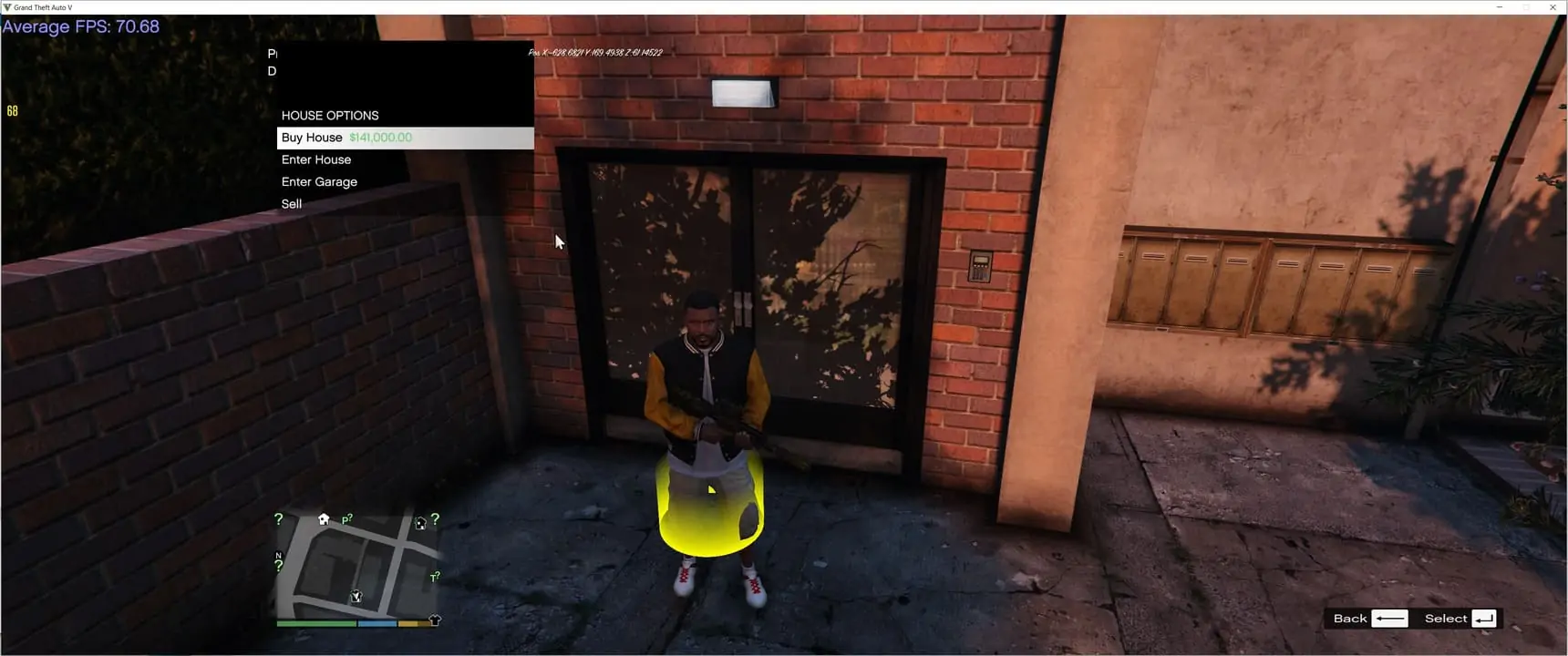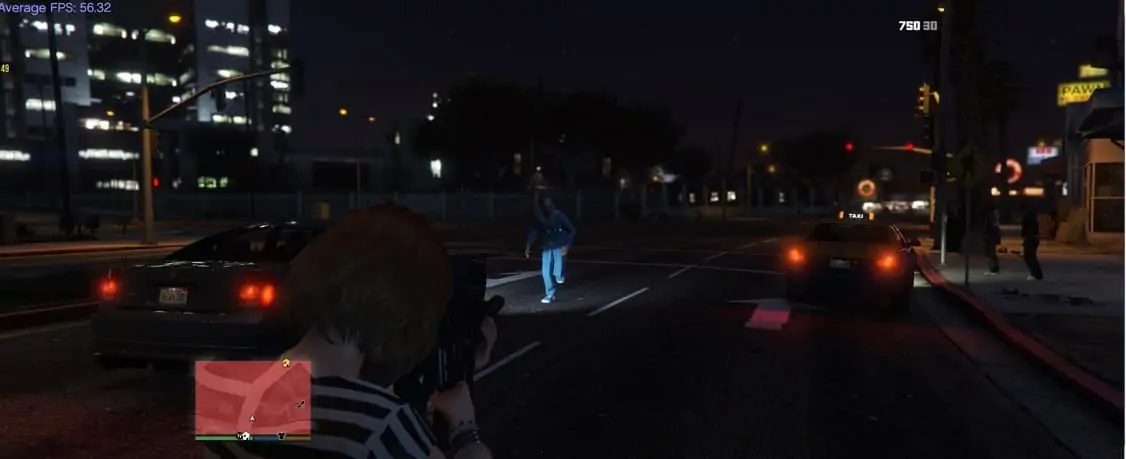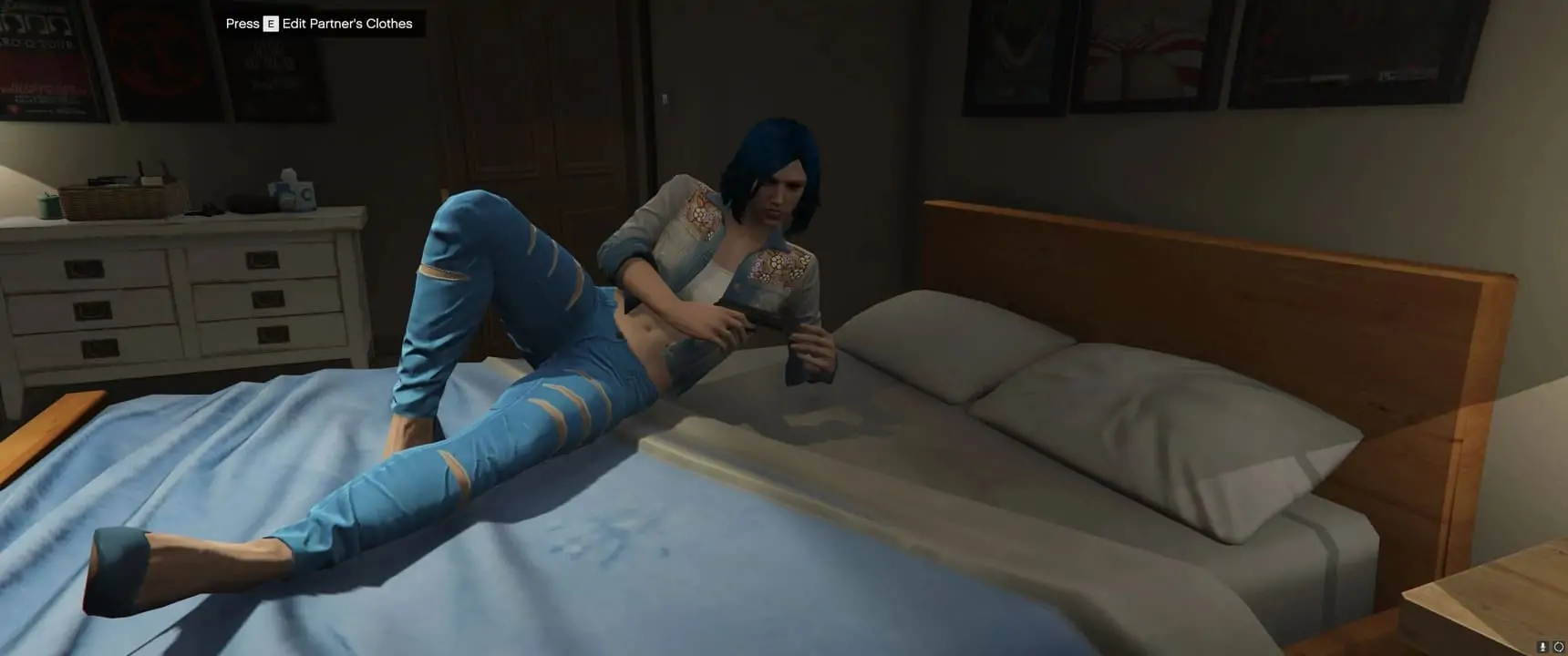
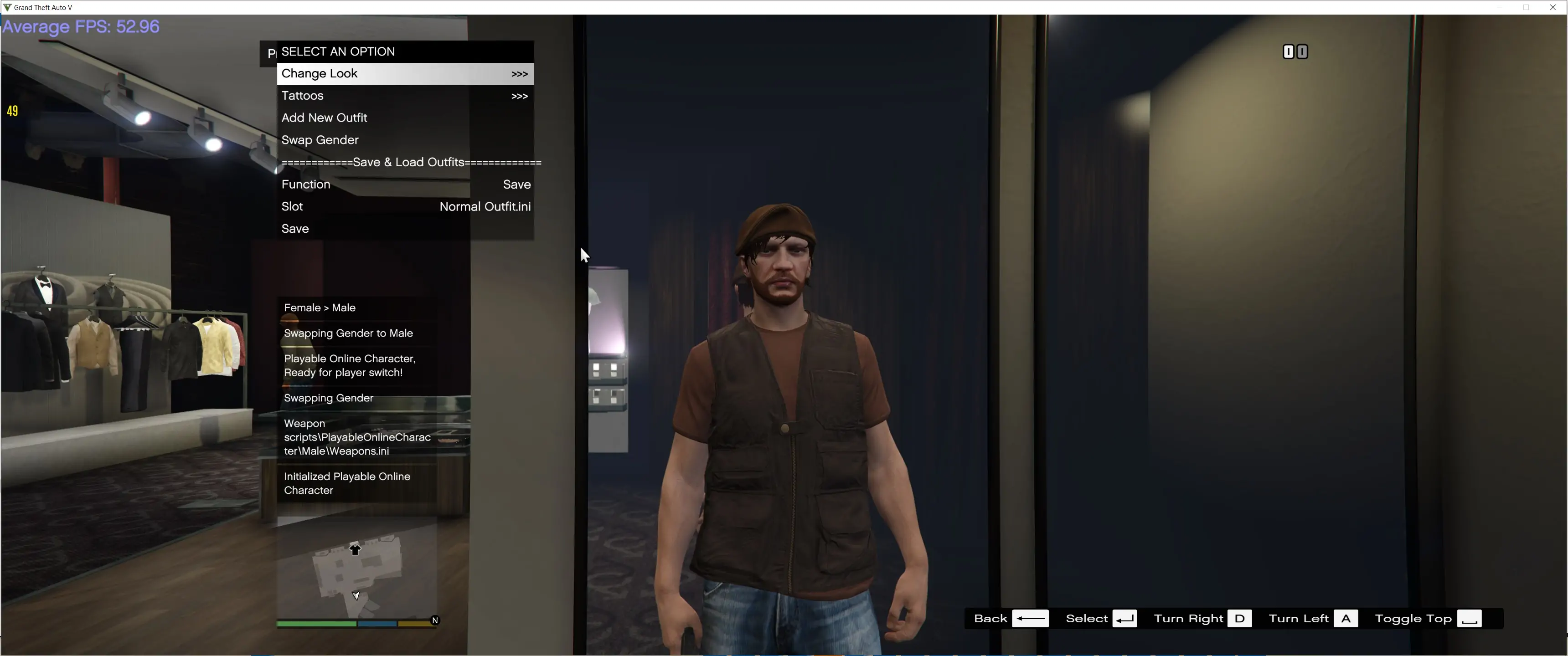
Playable Online Character has been updated to 1.1. This update comes with a bunch of new changes, Redesigned Facial features menu, toggleable Shirt, Pants Visible Armour, Hats & Glasses, fixes to ammo not saving/loading, as well as allowing you to play gestures.
If your updating from 1.0.3 you will need add these lines to your Main.ini
```
CHANGE_CLOTHES_ON_DEFAULT_CHAR = false
CURRENT_GESTURE = 0
GESTURE_KEY = 29
CHANGE_MODEL_ON_HIT_MANUAL_KEY = true
INTERACTION_MENU_KEY = 306
DISPLAY_CHARACTER_CUSTOMIZER_LOCATION_BLIPS = true
```
as well as do be aware, that if you have saved outfits with hats and/or glasses you may need to requip the hat/glasses and save the outfit again, there were some changes to allow hats and glasses to be togglable, from the interaction Menu.
Plyable Online Character is a script that allows the user to play as a Multiplayer Male or Mutliplayer female, without the need to tinker with complicated character swap mods like Character Swap or Jupiter's Character Swap, the mod comes with an built in function for loading a character, and customizing said character, the mod comes with two slots for characters, one for Male, and one for Female, each character can be completly different, choose from over 500 Outfits premade from GTA Online.
Customizing Characters Look or Changing Slots
Customizing your Charater or changing slots can only be done at Ponsonbys walk to the back of the store where the mirrors are and there should be a marker for you to customize your charaters look from clothes, tattoos, face options and hair.
Loading Character
The mod has built in functions for loading in a charater automatically and manually, however be warned that loading in a character automatically can lead to crashing and stability issues with GTAV (So its automatically disabled!). To manually load a character, wait till you get in game and press F11 (can be changed) once youve done this, make sure to check if cash actually works (sometimes it will load your character but cash wont work), if cash wont work, you can press F11 again to reload character.
Personal Vehicle
Each character (Male and Female Slot) has their own personal Vehice, a personal vehicle can be bought from the Vehicle Dealership (at simeons PDM), a personal vehicle is basically a persisant ride, its location saves where you last left it, any upgrades you make to it will also save.
Interaction Menu
The mod comes with an Interaction menu replicating GTAO interaction, in the menu you can purchase snacks and armour, purchase ammo via catagory, edit your hud colors, or request your personal vehicle.
Install
1. download and Install scripthookv + Scripthookvdotnet (latest Scripthookvdotnet nightly if your on the latest game patch)
2. create a scripts folder (named scripts and not Scripts) if you havent got one already
3. install LemonUI(if you havnt already got it for SHVDN3) there is a download link in the text file of the zip, copy the url into a browser, then a zip will be downloaded, drag the CONTENTS of the SHVDN3 folder into scripts
4. drag PlayableOnlineCharacter folder into scripts
5. drag PlayableOnlineCharacter.dll, PlayableOnlineCharacter.pdb into script
6 Launch game, and press F11 to change character manually when game has loaded
This item is available for free download. You may download and use it according to the free item policy.
DownloadPublished:
Nov 25, 2024 02:35 AM
Version:
Category:
Mod Helper Required:
NoMod is deprecated:
NoTags: